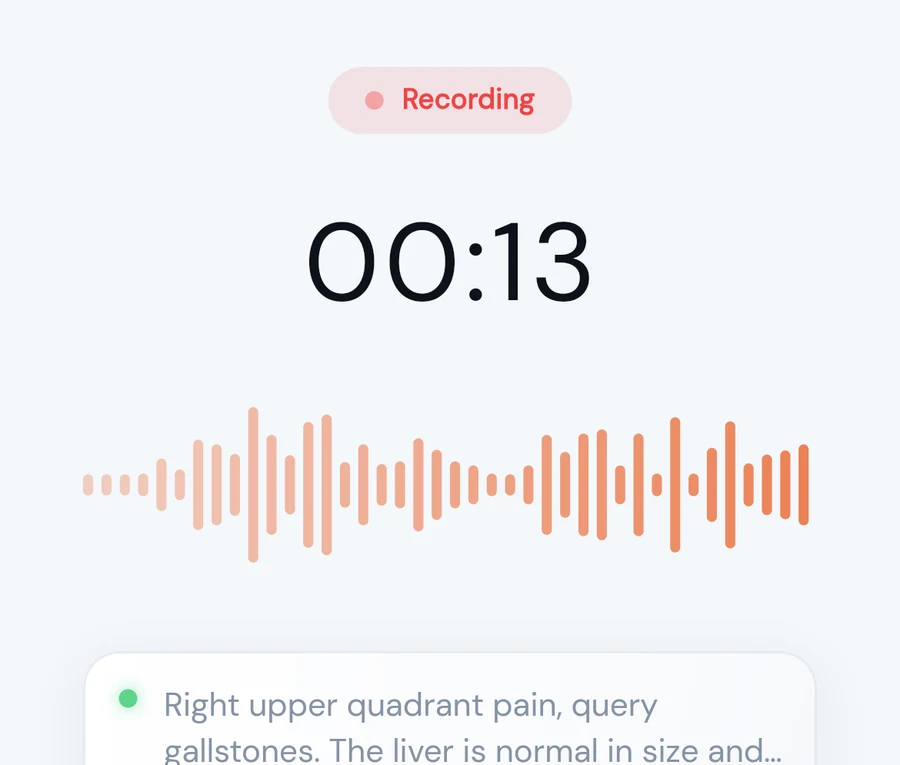
Press record and speak
Dictate the way you always have. Live captions show your words as you go, and the audio is saved to your device every second.

AlloScribe turns what you say into a structured report in your own template. See your words as you speak, never lose a recording, and send the finished report as a letterhead PDF, a Word file or straight to your RIS.
Free credits to start. Works in your browser on desktop and phone.
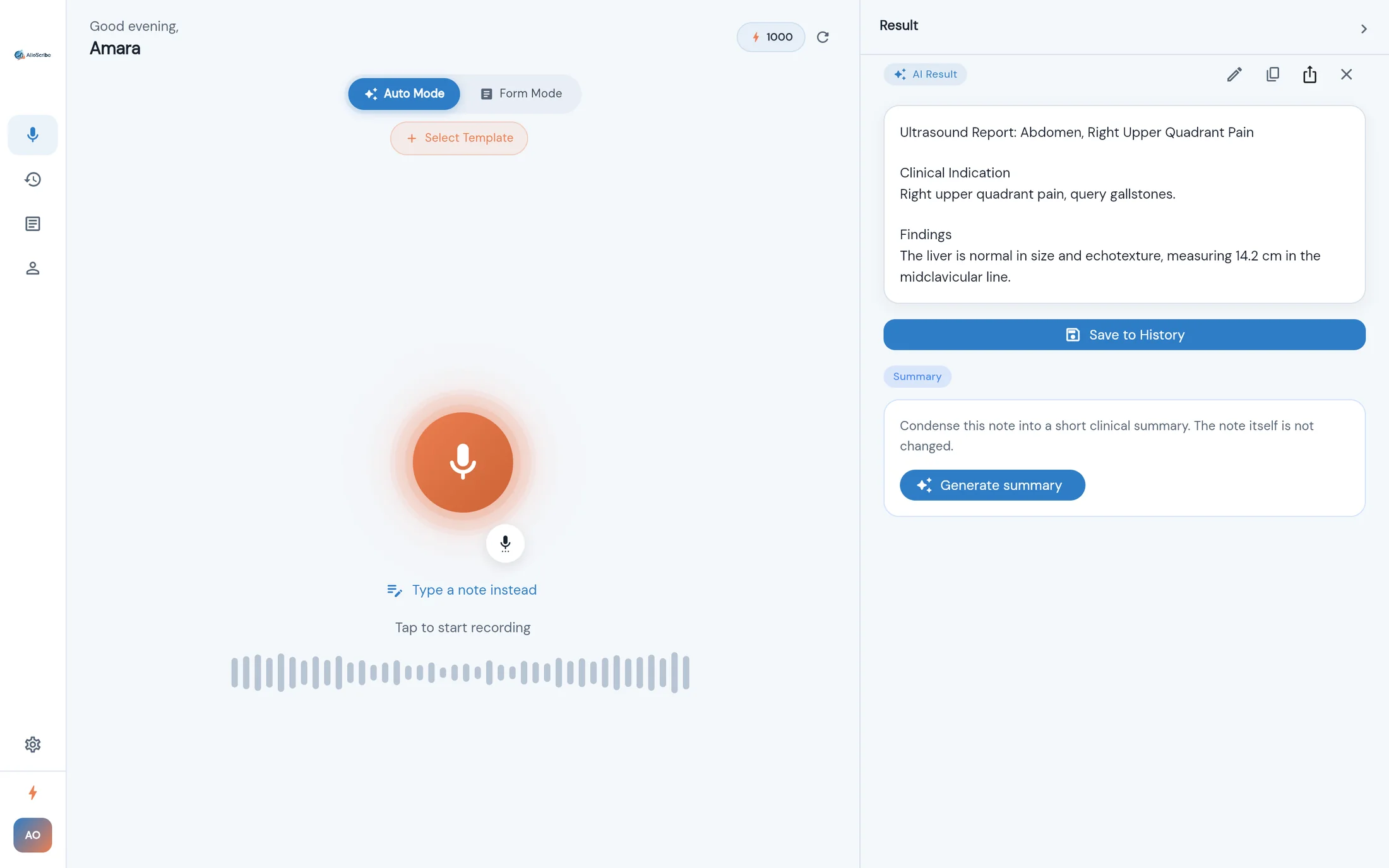
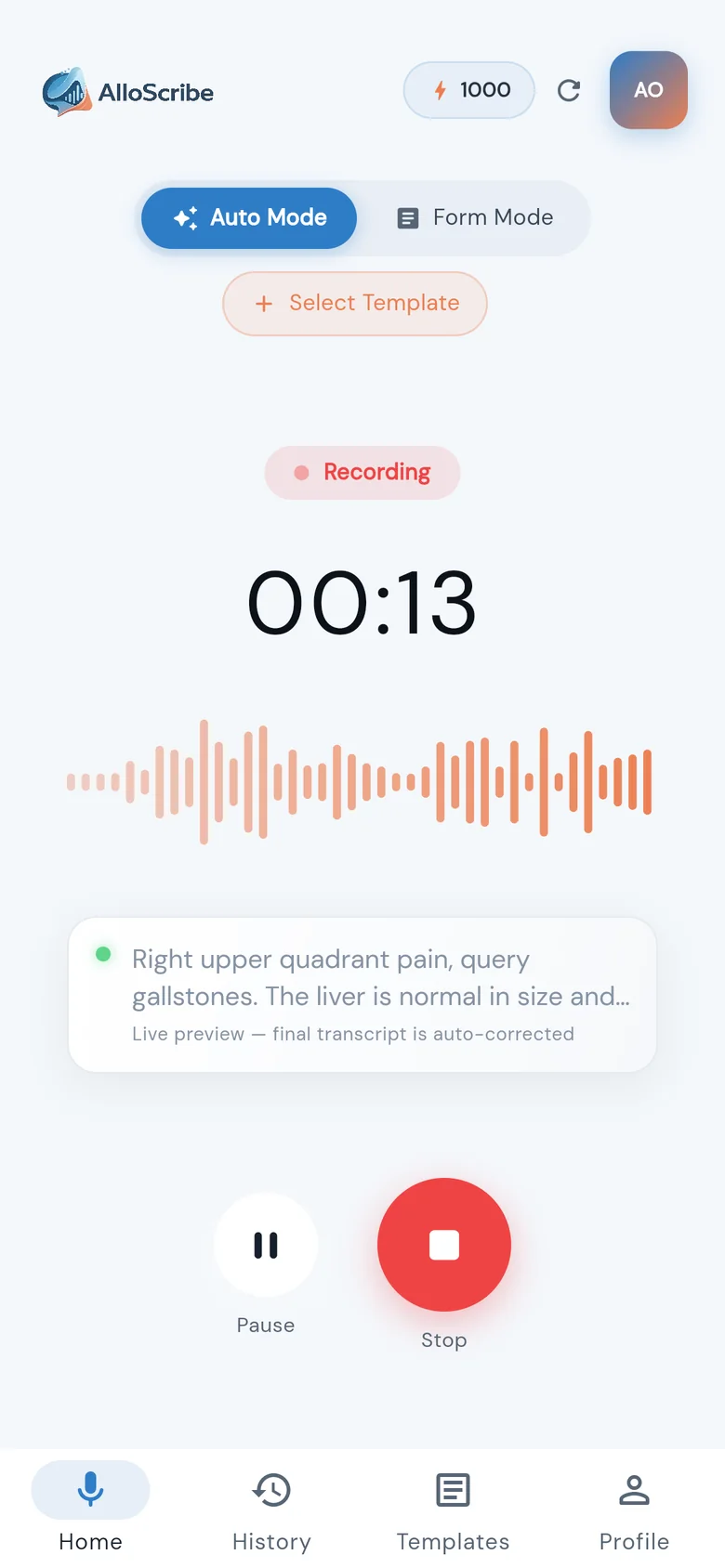
Press record, talk through the study, stop. AlloScribe handles transcription, structure and formatting. You review and sign.
Dictate the way you always have. Live captions show your words as you go, and the audio is saved to your device every second.
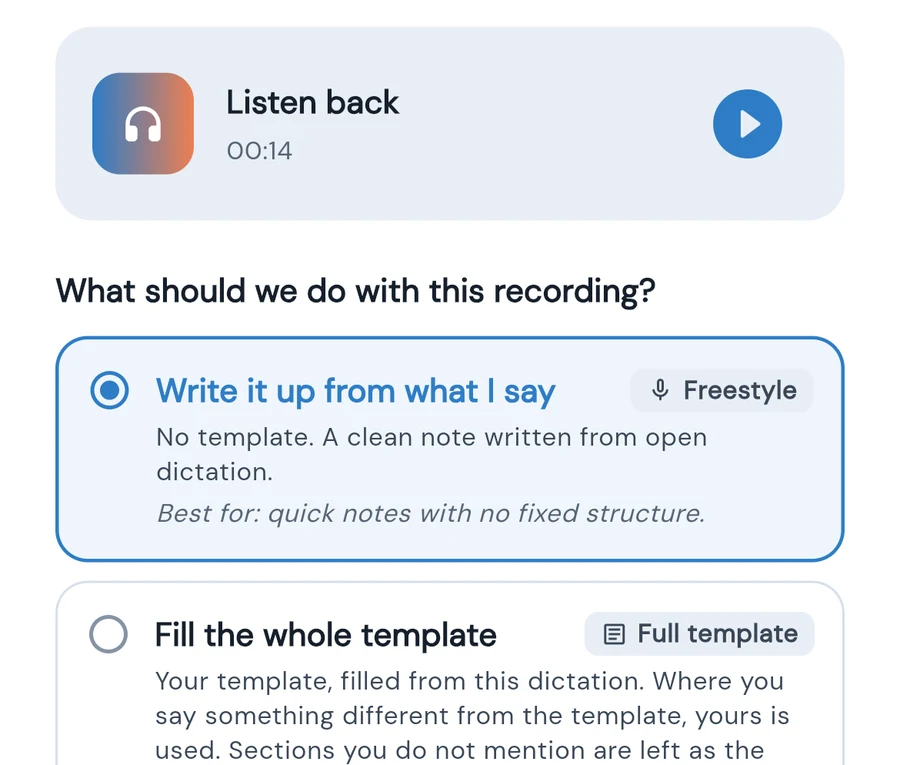
Freestyle, fill your template, change only the parts you mention, summarise, or fill a form. The recording is already safe before you choose.
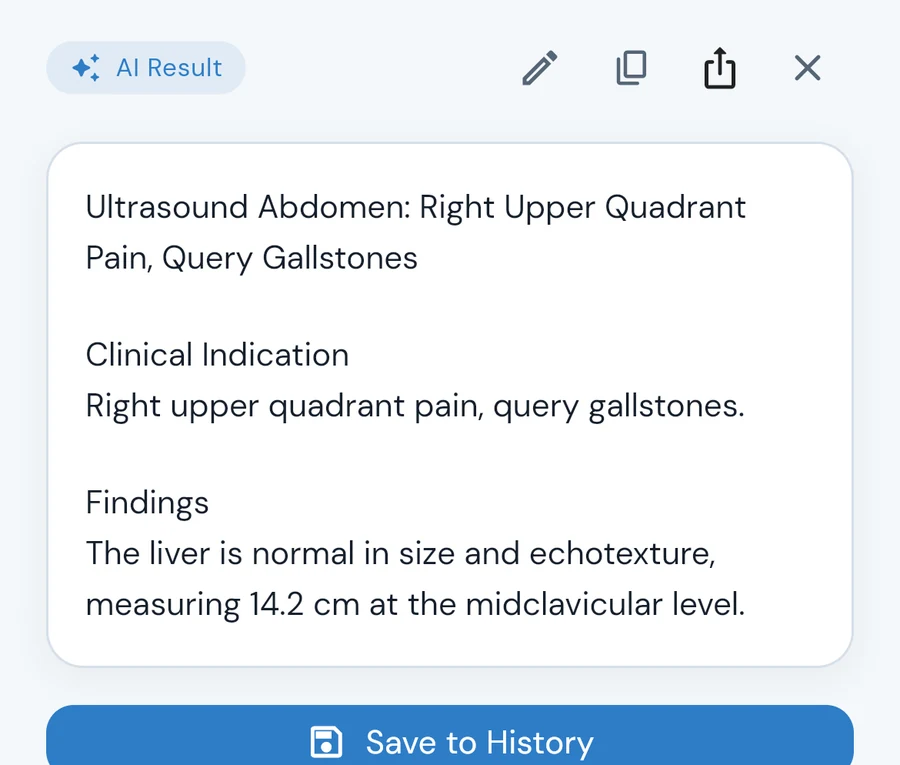
Edit it like a document, add a summary if you want one, then export a letterhead PDF or Word file, or send it to your RIS.
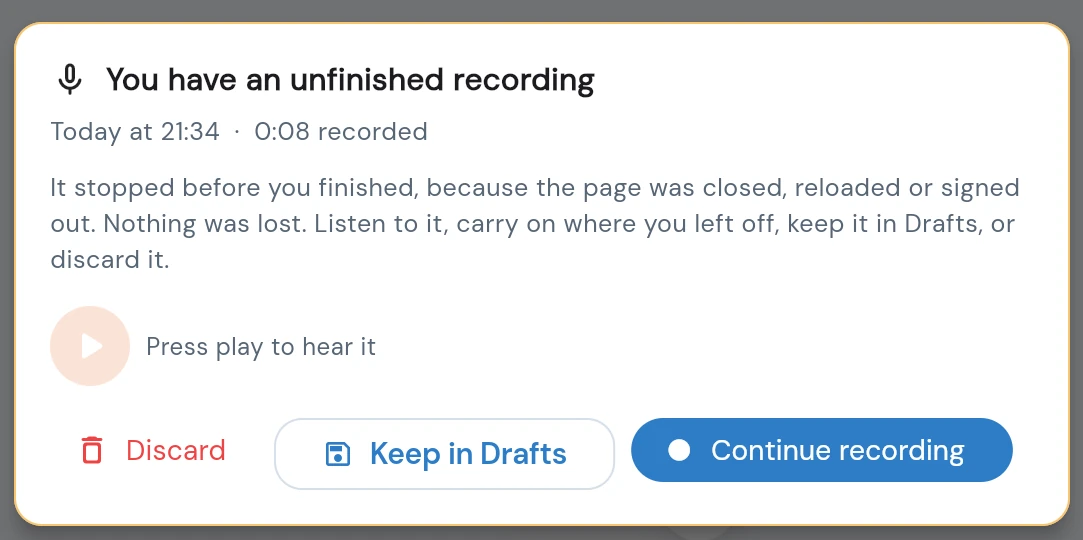
Ward Wi-Fi drops. Tabs get closed. Laptops run out of battery. AlloScribe assumes all of that will happen in the middle of a report.
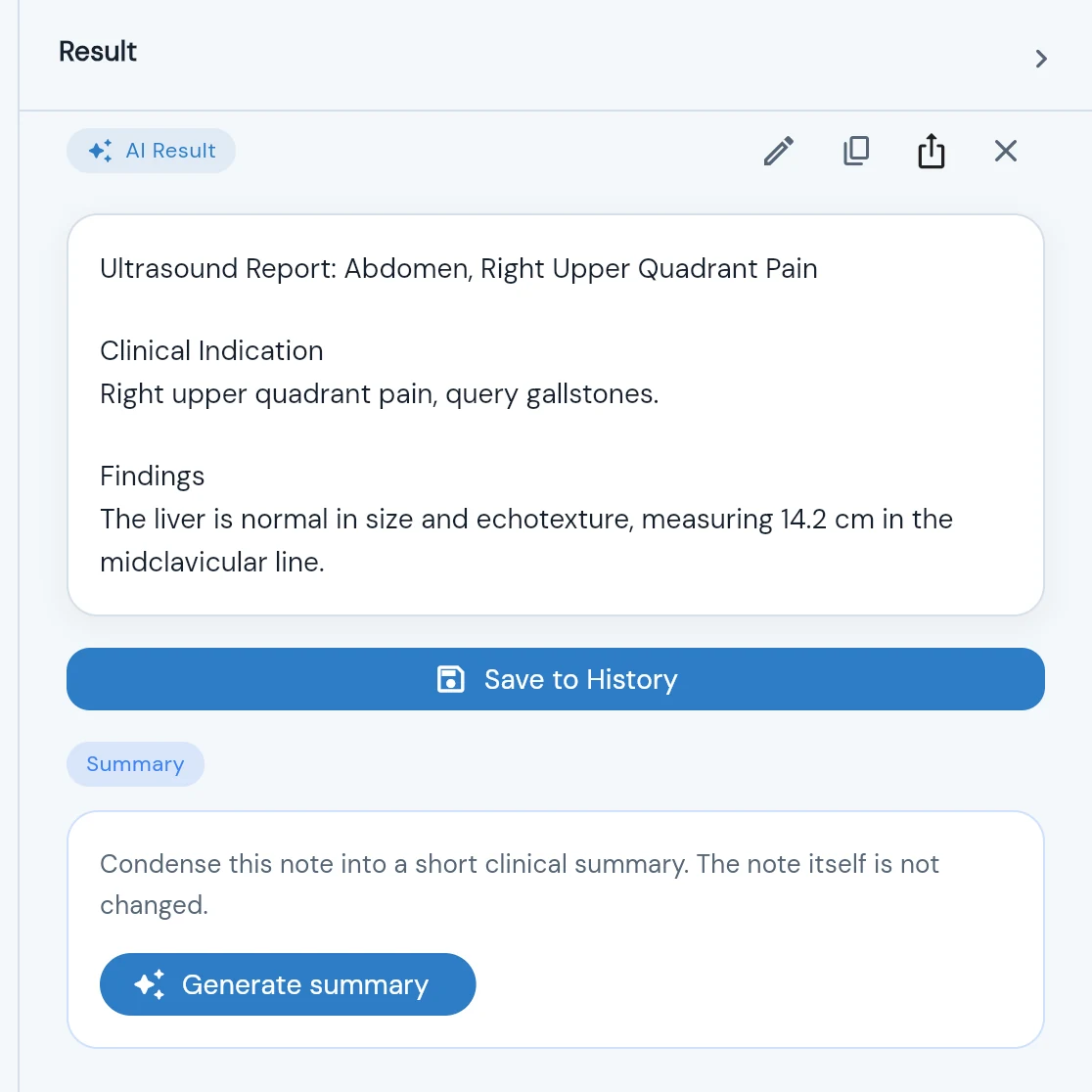
A report you can edit like a document, with formatting that survives the paste into Word, and a one-click clinical summary that leaves the note untouched.
Start from 98 radiology templates or build your own. Import and export template files to share with colleagues.
Your logo, practice details and signature block with GMC number on every export. Plain PDF when you need it.
HL7 v2 and FHIR R4 through an on-site agent or SMART on FHIR. The report is encrypted on your device.
Dictate only what has changed, like a new measurement, and that part of the note is updated without touching the rest.
Record a video consultation by capturing the call audio alongside your microphone, in Chrome or Edge.
No microphone, or a quiet ward? Type or paste a note, pick a template and save it with your dictations.
Every report is kept on your device with its edits, and you can go back to an earlier version.
Speak and each form field fills from what you said. Fields you do not mention stay empty.
Create an organisation, invite colleagues, and manage seats and credits from one place.
Real screen recordings of AlloScribe. The only thing cut is the wait.
British spelling, millimetres and centimetres, and the phrasing your referrers expect.
Report at volume from templates that keep your normals, and fill in only what you dictate. Send straight to your RIS.
Narrate measurements during the scan. The report is drafted before the patient is off the couch.
Clinic letters and notes from free dictation, on your letterhead, with shared credits for the whole team.
AlloScribe is designed to hold as little as possible, for as short a time as possible.
How we handle dataFinished reports and your history are stored on your device, not on our servers.
Recordings are held only while they are being processed, then deleted from our systems.
Reports are sealed on your device so only your organisation's agent can open them. Our relay cannot.
AlloScribe drafts; a clinician reviews and approves. Words it could not hear clearly are flagged for you.
You dictate, and AlloScribe returns a structured report: transcribed, organised into your template or a clean structure, in British English. You review it, edit it like a document, then export it or send it to your RIS or EMR.
Radiologists and sonographers are where it is strongest, with 98 radiology templates built in. Any clinician who writes letters or notes can use free dictation, summaries and their own templates.
A recent browser (Chrome, Edge, Safari or Firefox) and a microphone. A headset or a USB dictation microphone works well, and so does the microphone on your laptop or phone. There is nothing to install.
Up to 120 minutes per recording. A typical dictation of a minute or two comes back in well under a minute; a six-minute dictation of several reports took under a minute in our testing.
AlloScribe uses credits, and new accounts start with free credits so you can try it on real work. Organisations can share credits across a team. Contact us for practice and NHS arrangements.
Transcription uses specialty vocabulary for your field, and the result is checked so measurements and values match what you said. Words the system could not hear clearly are marked in the text for you to check. You should always read the report before signing it.
It is built not to. It will not add findings, an impression or a plan you did not dictate, and sections you did not mention are left as your template has them. If a recording contains no usable speech, you are told so rather than given a note.
Yes. Output is in British English (oedema, haemorrhage, visualised) with metric units, and the live captions use UK English.
No. It records, transcribes and structures what you dictate for you to review. It does not interpret images, suggest diagnoses or act on its own, which keeps it outside the medical device definition in the MHRA's 2026 guidance on ambient voice technology.
You are. AlloScribe produces a draft; nothing is sent or exported as final until you have reviewed it.
Your recording is saved to your device every second while you speak. When you open AlloScribe again you can listen to it, carry on recording, keep it in Drafts or discard it.
The recording stays safe in Drafts with a clear reason, and it is processed automatically when the connection returns. You can also retry it yourself. You are not charged twice for a retry.
You are warned within a few seconds that no sound is reaching the microphone. After a long silence the recording pauses itself, and a recording with no speech is flagged before you spend credits on it.
In Chrome or Edge on a computer you can include the call's sound alongside your microphone. Follow your organisation's policy on telling patients and recording consultations.
Yes to both. Pause and resume at any time while recording, or type and paste a note directly and save it like any other report.
Yes. Build templates in the app, paste in the ones you already use, or import template files. You can export your templates to share with colleagues.
Yes. Choose "Change or add parts, keep the rest" and dictate only what is new, such as a revised measurement. Everything else stays exactly as it was.
Export a PDF on your letterhead with your signature block, a plain PDF or a Word document; copy it with formatting into any system; or send it to your RIS or EMR.
Yes. Generate a short clinical summary of any report. The report itself is not changed, and you are told if the report has been edited since the summary was made.
On your device. Your history and drafts live in your browser or app, not on our servers. On a shared computer each user's recordings are kept separate.
It is sent over an encrypted connection, held on our systems only while it is transcribed, and then deleted. Our transcription providers handle it under data processing terms; see the Security page for how long they may keep it.
No. We do not use your recordings or reports to train AI models.
Transcription and report structuring use established speech and language AI providers under data processing terms. Every provider, what it does and where it processes data is listed on our Security page.
Yes. We provide a UK GDPR data processing agreement and will share the information your IG lead and clinical safety officer need. Contact us to start.
Reports can be delivered over HL7 v2 or FHIR R4 through an agent installed on your network, or through SMART on FHIR. Anything else can be exported or copied with formatting.
Yes. Create an organisation, invite colleagues, and manage seats and shared credits from one place.
From your profile in the app. There is a 30-day grace period in case you change your mind, after which your personal data is permanently removed.
Open AlloScribe in your browser and dictate your first report in a couple of minutes.